Google Clarifies Back Button Hijacking Policy: What to Check
Admin
On November 23, 2026, Google added a frequently asked questions section to its spam policy on "back button hijacking", the practice of stopping visitors from returning to the page they came from. It makes clear that Google acts on the page even when the behavior comes from third-party ad code, and that the policy also covers Discover and visits from social media.
What we know
- The policy: Google announced it on April 13, 2026, on the Search Central blog and listed it under the "malicious practices" in its spam policies. According to that post, enforcement began on June 15, 2026, and pages can face manual spam actions or automated demotions.
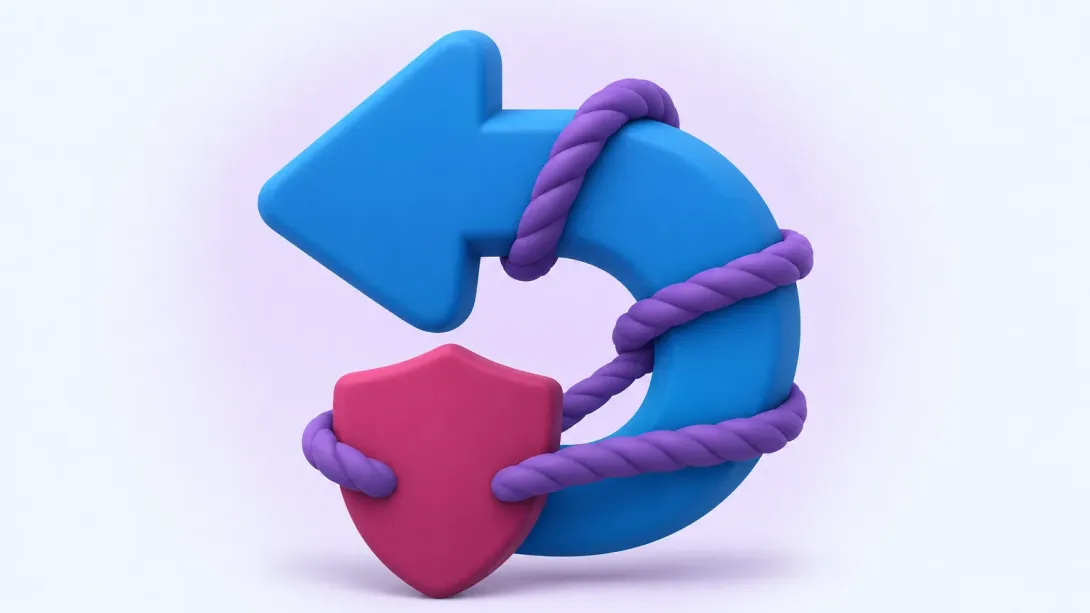
- The definition: the spam policies page says back button hijacking happens when a site manipulates the browser history or other functions so the user can't use the back button to immediately return to the previous page.
- What changed on November 23: Google's documentation updates log lists a new FAQ section "to answer common questions" about the policy. The spam policies page shows that date as its last update.
- Third-party ads: Google acknowledges that some cases came from advertising platforms. It says site owners can keep working with them and importing their code, but it takes action on pages that show the behavior.
- Discover: the policy applies there too, because Google treats Discover as part of Search.
- Other entry points: if a visitor arrives from another channel, such as social media, and the hijacking happens while they browse inside a browser, the policy applies.
- Out of scope: opening an external app ("open in app") that then keeps the user from getting back is not covered.
- Reports: users can flag these sites through Google's spam report form.
What changes and what doesn't
The rule itself is unchanged: the ban and the penalties are the ones announced in April. What changes is that there is little room left for a narrow reading. Code from an ad network, a recommendation widget or a library does not shield the page, and the problem counts even when the visit doesn't come from Search. Publishers and blogs that rely on Discover are directly in scope.
The recovery path is also unchanged. According to the April post, after fixing a manual action you file a reconsideration request in Search Console.
How to tell if it affects you
- Run a five-minute test. On a phone, in a private window with no ad blocker, search for one of your pages on Google, open it, wait for the ads to load and press back once. You should land back on the results. Repeat with a link to your site opened from a social app inside the browser.
- Test the pages that matter most: ad-heavy articles, pages that get Discover traffic, and pages with exit pop-ups or end-of-page recommendations.
- Watch the history counter. On a computer, open developer tools, load the page in a new tab and type
history.lengthin the console on arrival and again after 30 seconds. If it grows without you clicking anything, a script is adding entries. - Turn scripts off one at a time on a staging copy: ad network, "you may also like" widget, exit pop-ups, push notification prompts. That shows which one causes it, so you can ask the vendor to remove it or replace it.
- Check Search Console: the Manual actions report and, if you get Discover traffic, the Discover performance report since June 15. A drop that lines up with a new script is worth the test above.
- If you have a manual action, fix it, test again and request reconsideration from the same report.
Related: Google Wants Noindex on User-Shared Pages
Sources
- Google Search Central, "Spam policies for Google web search", malicious practices section and back button hijacking FAQ, updated November 23, 2026
- Google Search Central, documentation updates log, November 23, 2026 entry
- Google Search Central Blog, "Introducing a new spam policy for "back button hijacking"", Chris Nelson, April 13, 2026
Updates: if Google expands the FAQ or shares more on how it detects back button hijacking, it will be added here with a link.
Worried about how this affects your website?
We will go over what to change with you. It is a free 30-minute call.